
Introducing CR SoftStack Prompt Builder
Whatever you're building, we're here to help you take the first step with confidence.
Write better AI prompts without starting from scratch using CR Prompt Builder

The CR SoftStack Prompt Builder (powered by the CHARLIE Method) helps busy adults turn real-life situations into clear, calm, copy-and-paste prompts for AI tools. (ChatGPT, Notion, CoPilot, etc.)
Turn “I don’t know what to say” into structured prompts in 60 seconds
Beginner-friendly, but smart enough for power users
Built for real life: work, money, routines, boundaries, and soft life goals
Free to try. No login required.
How the CHARLIE Method powers the CR SoftStack Prompt Builder
Your “How to use it” section explains the 3 steps. This visual shows what happens behind the scenes to make those steps easier.
You
Share your goal in plain language and answer a few quick questions.
You are not learning a method. You are just describing what you need.
Prompt Builder
The builder applies the CHARLIE structure automatically, so your prompt is clear and complete.
This helps you get better AI responses without trial and error.
- Organizes your goal and context
- Adds clarity and output guidance
- Builds a ready-to-copy prompt
Your AI Tool
Copy the prompt into your AI tool and get clearer, more useful results.
Less rewriting. Less frustration. Better outcomes.
How it Works
(3 Simple Steps)
How it works (in under 60 seconds)

Step 1
Choose what you want to do
Select your goal. Writing, planning, brainstorming, decision-making, and more.

Step 2
Answer a few questions
Respond in plain language. No special wording required.

Step 3
Copy and use your prompt
Paste it into your AI tool and get clearer results.
You can also click “Give me another version” to see a second take.
Want to view your previous prompts? Click the “View prompt history (this device)” link at the bottom of the page.
Try the CR SoftStack Prompt Builder
Your text stays in your browser. We don’t store or send your input anywhere.
CR SoftStack Prompt Builder
Tell me what you want a prompt for, and I’ll turn it into a clean, copy/paste prompt you can use in your AI tool.
- Soft life & mindset: Help me design a weekly routine that feels calm but still productive.
- Digital productivity: Help me organize my tasks into a simple system I can actually follow.
- Work & communication: Help me write a clear, kind message to set a boundary with someone.
- Clarity & reflection: Help me reflect on my current habits so I can feel less overwhelmed.

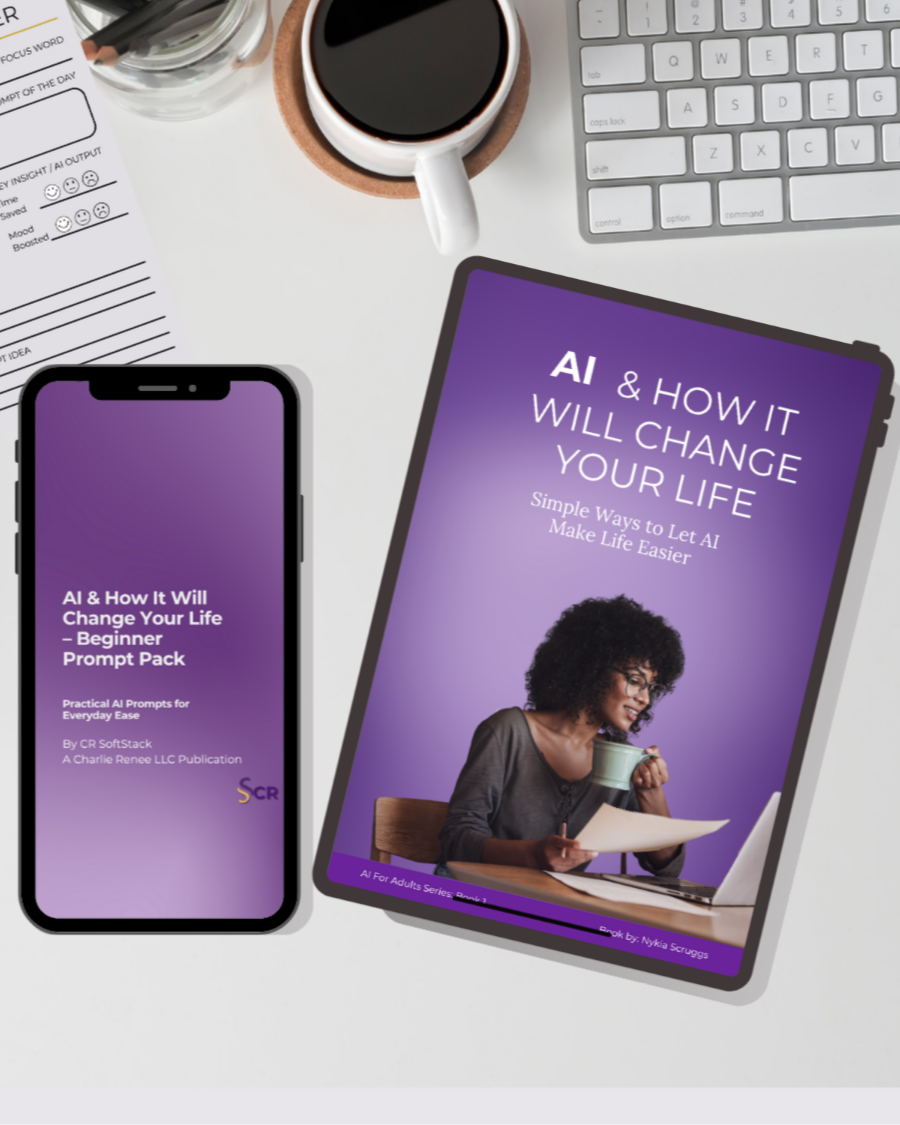
Save and simplify with the SoftStack AI Starter Bundle, your complete introduction to calm, confident AI use.
Start Smart, Live Softer.
This 3-in-1 set includes:
AI & How It Will Change Your Life (eBook)
Beginner Prompt Pack
AI Daily Planner
Together, they guide you from understanding AI to using it daily, all in a friendly, human way. You’ll learn how to simplify your routines, find balance, and make technology feel supportive, not stressful.
You’ll Get:
• The full eBook (digital guide)
• The 10-theme Beginner Prompt Pack
• The printable AI Daily Planner
• Bonus reflection prompts + bundle savings
Why You’ll Love It:
It’s your complete soft start into AI. Learn, practice, and build habits that last.